
Feature Rail
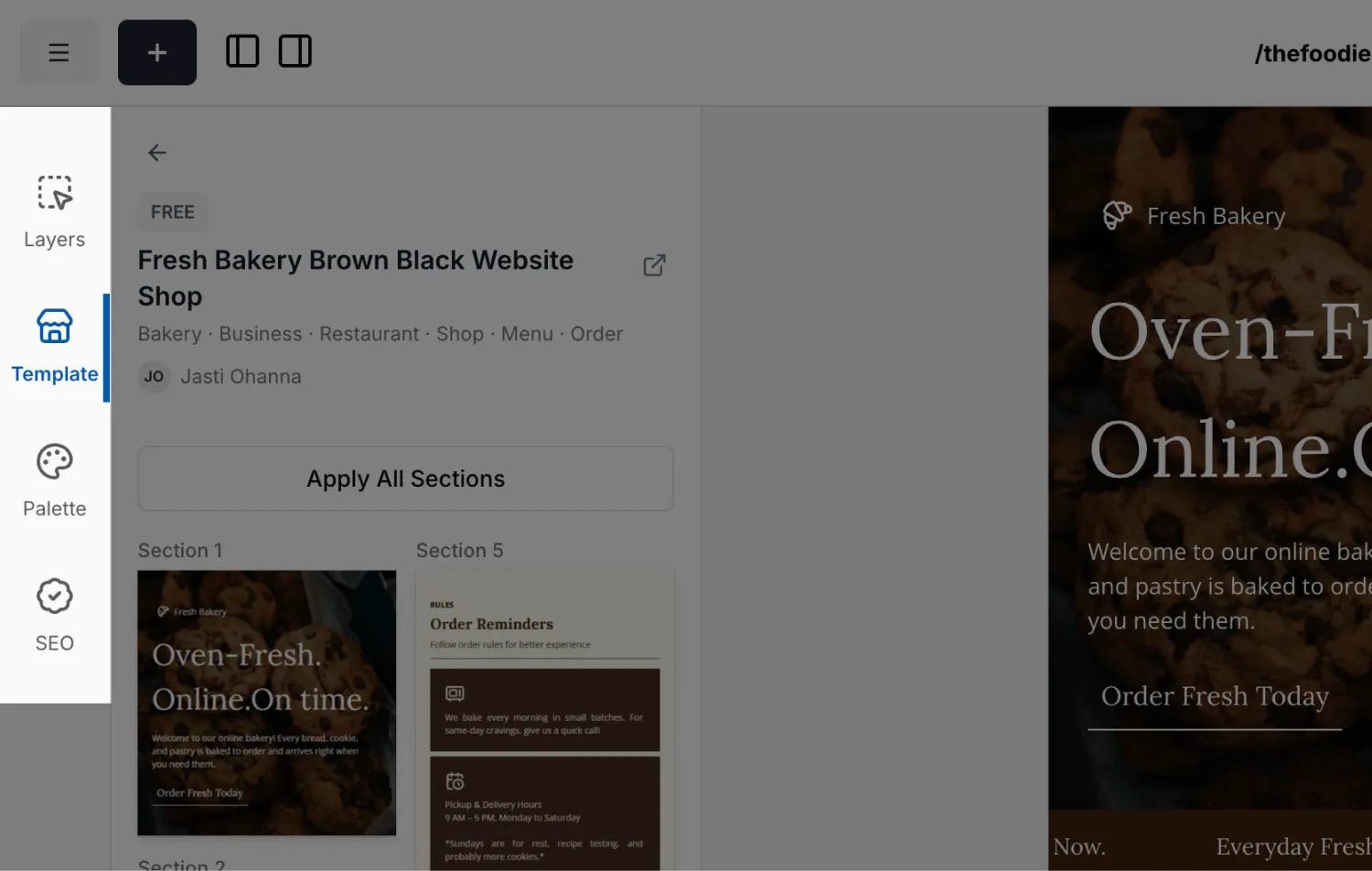
The Feature Rail is the row of tools in the editor. Each one opens a panel that helps you build, arrange, or check your page. There are five:
Fields
Edit the settings of the block you have selected. This is where all of a block's options live. See Components and Common Fields.
Layers
A tree of every block on your page, with quick actions. See Layers.
Template
Browse templates and apply a whole page or a single section. See Template.
Palette
Recolor your page by swapping colors in one place. See Palette.
SEO
Audit your page's headings and image alt text before publishing. See SEO.
The Fields panel is documented alongside each block. For everything a selected block can control, start at Common Fields, then read the page for the specific block.